Asking prices and shopping

JLPT N52 sets · 12 lines

The focus of this page is listening for numbers: asking how much things cost, saying how many you want, and catching the prices clerks call out.

What this page practisesasking unit and total prices · saying how many you want · understanding prices from three digits to the ten-thousands place · saying your payment method

Five phrases to ask the price

Single lines · 5 lines

You can use these as-is in any store.

  1. これはいくらですか。

    How much is this?

  2. 全部ぜんぶでいくらですか。

    How much is it altogether?

  3. もう少すこし安やすいのはありますか。

    Do you have anything a little cheaper?

  4. これをください。

    This one, please.

  5. カードは使つかえますか。

    Do you take cards?

Buying two at the store

Dialogue · 7 lines

Practice asking prices, saying how many you want, and catching the total — listen closely for 「千」and「二千」.

  1. clerk

    いらっしゃいませ。

    Welcome!

  2. Customer

    すみません、これはいくらですか。

    Excuse me, how much is this?

  3. clerk

    千二百円せんにひゃくえんです。

    That's 1,200 yen.

    1000 is read せん, not いちせん — don't add いち.

  4. Customer

    じゃあ、これを二ふたつください。

    In that case, I'll take two of these, please.

  5. clerk

    二千四百円にせんよんひゃくえんになります。

    That'll be 2,400 yen.

    「〜になります」 is the set phrase store clerks use to announce the total price.

  6. Customer

    これでお願ねがいします。

    I'll pay with this, please.

  7. clerk

    ありがとうございました。

    Thank you very much!

Audio on this page is AI-synthesized speech (Gemini 3.1 Flash TTS), not a human recording; the sentences are original.


Say it right, write it right

Core lookup works fully offline, with cloud pronunciation and one-tap save & review. Free, no sign-up.

Free downloadWindowsFree downloadmacOSDownload on the App StoreGet it on Google Play
MobileiOS / Android

Android

QR code for the Google Play pageGet it on Google Play

Scan it with your Android phone to install, or search for “Tomoshi” on Google Play.

iOS

QR code for the App Store pageDownload on the App Store

Scan it with your iPhone camera to install, or search for “Tomoshi” in the App Store.

Install the browser extensionLook words up on any web page · Chrome / Edge / Safari

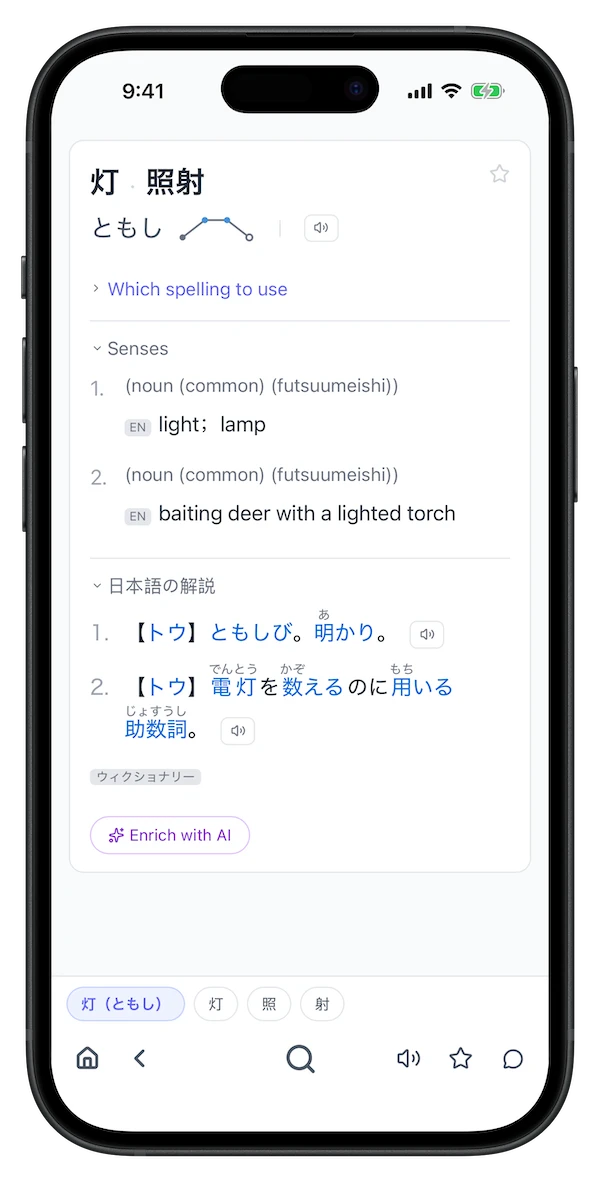
Screenshot of a Tomoshi lookup resultScreenshot of Tomoshi lookup results on a phone

Windows macOS Chrome / Edge / Safari extension iOS / Android