Asking for directions

JLPT N52 sets · 12 lines

Use this when your phone is dead, the signal is bad, or you just want to double-check which way to go.

What this page practisesstopping a passerby · asking where a place is · understanding directions and distance · asking them to repeat

Five ways to ask

Single lines · 5 lines

Sentence patterns you can use as is—just swap in the place name.

  1. すみません、駅えきはどこですか。

    Excuse me, where's the train station?

  2. トイレはどこにありますか。

    Where's the bathroom?

  3. この近ちかくにコンビニはありますか。

    Is there a convenience store around here?

  4. ここから遠とおいですか。

    Is it far from here?

  5. すみません、もう一度いちどお願ねがいします。

    Excuse me, could you say that again, please?

    The one sentence you need most when you didn't understand — better than pretending you did and walking off in the wrong direction.

How to get to the post office

Dialogue · 7 lines

Stop a stranger on the street and practice following directions and getting a rough idea of how long the walk will take.

  1. the one asking

    すみません、郵便局ゆうびんきょくはどこですか。

    Excuse me, where's the post office?

  2. Passerby

    この道みちをまっすぐ行いってください。

    Go straight down this road.

  3. Passerby

    二ふたつ目めの角かどを左ひだりです。

    Turn left at the second corner.

    Japanese directions count corners (角), not blocks.

  4. the one asking

    歩あるいて何分なんぷんぐらいですか。

    About how long does it take to walk there?

  5. Passerby

    五分ごふんぐらいですよ。

    About five minutes.

    ぐらい means "about"; Japanese speakers almost always add it when talking about times and quantities.

  6. the one asking

    分わかりました。ありがとうございます。

    Got it, thank you.

  7. Passerby

    いいえ、気きをつけて。

    You're welcome. Take care.

Audio on this page is AI-synthesized speech (Gemini 3.1 Flash TTS), not a human recording; the sentences are original.


Say it right, write it right

Core lookup works fully offline, with cloud pronunciation and one-tap save & review. Free, no sign-up.

Free downloadWindowsFree downloadmacOSDownload on the App StoreGet it on Google Play
MobileiOS / Android

Android

QR code for the Google Play pageGet it on Google Play

Scan it with your Android phone to install, or search for “Tomoshi” on Google Play.

iOS

QR code for the App Store pageDownload on the App Store

Scan it with your iPhone camera to install, or search for “Tomoshi” in the App Store.

Install the browser extensionLook words up on any web page · Chrome / Edge / Safari

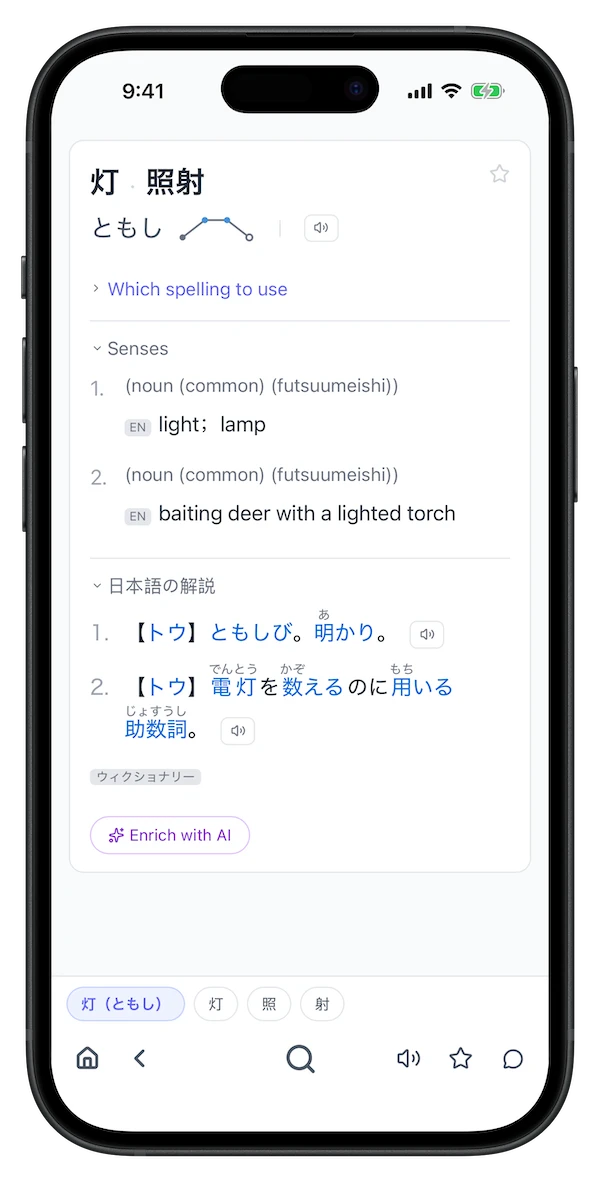
Screenshot of a Tomoshi lookup resultScreenshot of Tomoshi lookup results on a phone

Windows macOS Chrome / Edge / Safari extension iOS / Android