Time and appointments

JLPT N52 sets · 12 lines

Practice asking and telling the time, and learn how Japanese speakers tactfully say a time doesn't work.

What this page practisesasking what time it is now · asking start and end times, and departure times · saying you'll be late · arranging and rescheduling times

Asking the time in six lines

Single lines · 6 lines

Practice asking the time and telling someone you'll be late.

  1. 今いま何時なんじですか。

    What time is it now?

  2. 何時なんじから始はじまりますか。

    What time does it start?

  3. 何時なんじまでですか。

    Until what time?

  4. 電車でんしゃは何時なんじに出でますか。

    What time does the train leave?

  5. どのくらいかかりますか。

    About how long does it take?

  6. すみません、少すこし遅おくれます。

    Sorry, I'm going to be a little late.

    Japan is very sensitive about lateness, so say this as soon as you realize you'll be late.

Arranging a time to meet tomorrow

Dialogue · 6 lines

Practice making plans to meet: suggest a time, politely decline, and reschedule — and watch how 「ちょっと...」 is used.

  1. Li

    明日あした、何時なんじに会あいますか。

    What time are we meeting tomorrow?

  2. Tanaka

    十時じゅうじはどうですか。

    How about ten o'clock?

  3. Li

    すみません、十時じゅうじはちょっと…。

    Sorry, ten o'clock is a bit...

    Trailing off at 「ちょっと...」 is a polite refusal. Japanese speakers rarely say "no" in full.

  4. Tanaka

    じゃあ、十一時じゅういちじは?

    How about eleven, then?

  5. Li

    十一時じゅういちじ、大丈夫だいじょうぶです。

    Eleven o'clock works for me.

  6. Tanaka

    では、駅えきで待まっています。

    Then I'll be waiting at the station.

Audio on this page is AI-synthesized speech (Gemini 3.1 Flash TTS), not a human recording; the sentences are original.


Say it right, write it right

Core lookup works fully offline, with cloud pronunciation and one-tap save & review. Free, no sign-up.

Free downloadWindowsFree downloadmacOSDownload on the App StoreGet it on Google Play
MobileiOS / Android

Android

QR code for the Google Play pageGet it on Google Play

Scan it with your Android phone to install, or search for “Tomoshi” on Google Play.

iOS

QR code for the App Store pageDownload on the App Store

Scan it with your iPhone camera to install, or search for “Tomoshi” in the App Store.

Install the browser extensionLook words up on any web page · Chrome / Edge / Safari

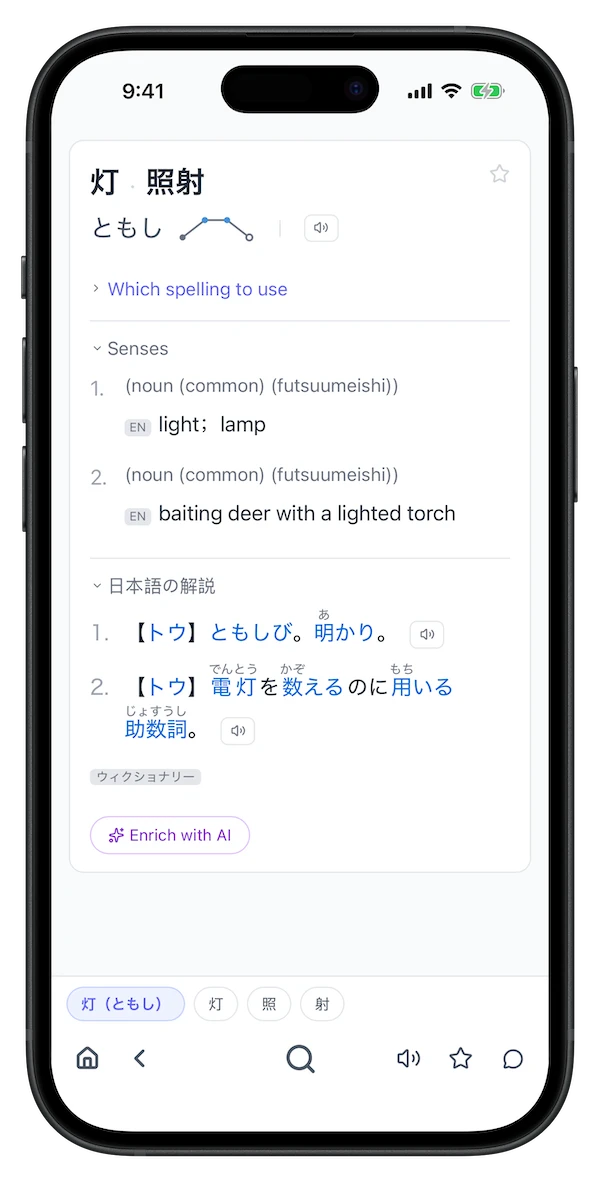
Screenshot of a Tomoshi lookup resultScreenshot of Tomoshi lookup results on a phone

Windows macOS Chrome / Edge / Safari extension iOS / Android